AI Video Chat Bot for WordPress
Add real-time AI-powered video chat support to your WordPress site. Engage visitors with intelligent video avatars that can answer questions, provide support, and guide users—all powered by advanced AI.
Available on WordPress Plugin Directory • Get your API key to use on your site
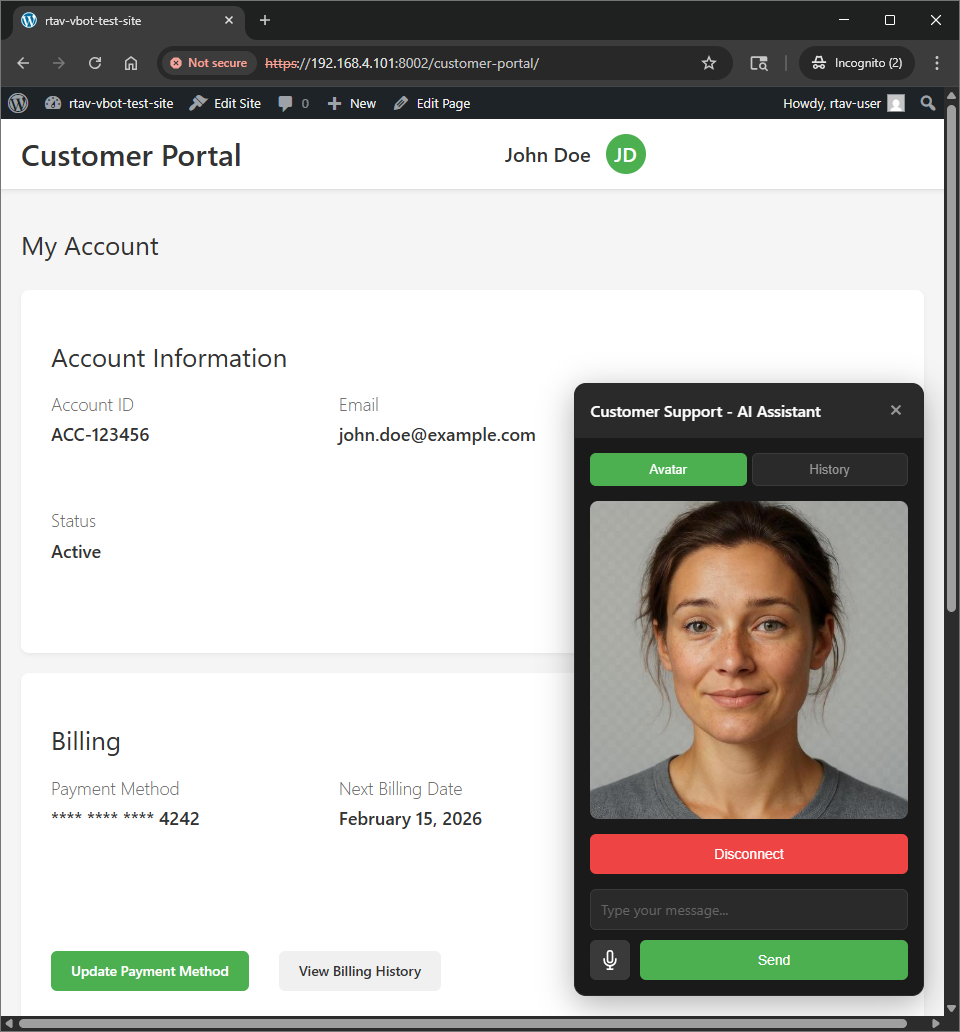
Powerful Features
Everything you need to provide exceptional customer support with AI
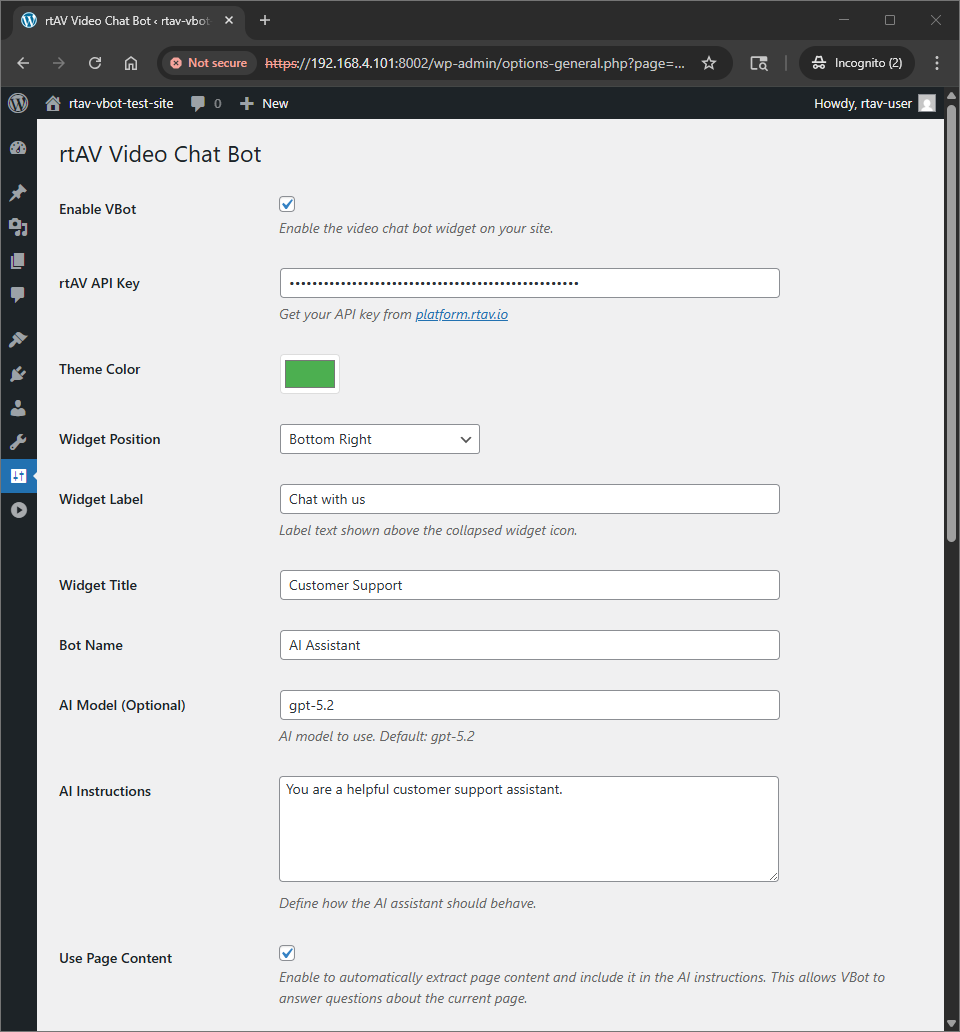
Easy Customization
Customize colors, labels, and behavior to match your brand. Configure everything from the WordPress admin.
AI-Powered Conversations
Powered by advanced AI models with customizable instructions. Provide context-aware support for your visitors.
Page Content Awareness
Automatically reads page content to answer questions about your site. Perfect for product pages, documentation, and more.
Video Avatars
Real-time video avatars that bring your customer support to life. Engaging and professional.
Lightning Fast
Low-latency real-time conversations. Your visitors get instant responses without delays.
Mobile Responsive
Works perfectly on all devices. Desktop, tablet, or mobile - your visitors can chat anywhere.
Simple Setup, Powerful Results
Configure everything from your WordPress admin. No coding required.
Plugin Settings
Easy configuration from WordPress admin
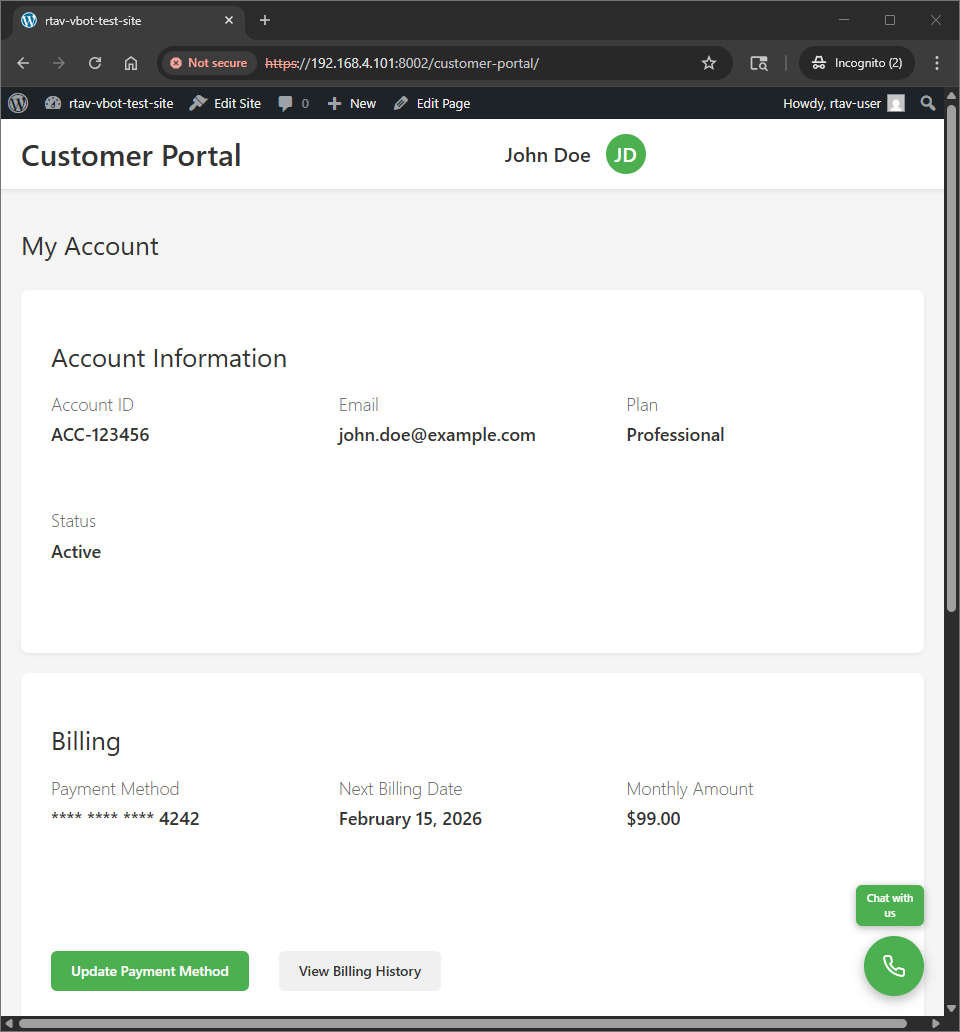
Live Widget
Engaging video chat experience on your site
Get Started in Minutes
Install, configure, and launch your AI chat bot in just a few steps
Install the Plugin
Upload and activate the rtAV Video Chat Bot plugin from your WordPress admin.
Get Your API Key
Sign up at platform.rtav.io and get your API key in the dashboard.
Configure Settings
Enter your API key and customize the widget appearance, AI behavior, and messages.
Start Chatting
The widget appears on your site. Your visitors can start conversations immediately!
Download & Install
Get the plugin and start adding AI video chat to your WordPress site
Installation:
- Download the plugin ZIP file, or install directly from WordPress.org
- Go to WordPress Admin → Plugins → Add New → Upload Plugin
- Upload the ZIP file and click "Install Now"
- Activate the plugin
- Configure in Settings → rtAV VBot
Why Choose rtAV for WordPress?
For Website Owners
- ✓24/7 automated customer support
- ✓Increase engagement and conversions
- ✓Reduce support ticket volume
- ✓Easy setup, no technical knowledge required
- ✓Customizable to match your brand
For Visitors
- ✓Instant answers to questions
- ✓Engaging video avatar experience
- ✓Natural conversation flow
- ✓Available anytime, no waiting
Fully Customizable
Configure every aspect of your chat bot to match your brand and needs
Ready to Add AI Support to Your WordPress Site?
Get started in minutes. Install the plugin, add your API key, and start engaging with visitors.